Drive Files.com From A Terminal Or A Script
Move files and manage your whole Files.com site without opening a browser. Type a command to move a file now, or drop that same command in a cron job and let it run every night with no one watching.

Run Your Whole Site From The Command Line
The Files.com Command Line app lets you upload, download, and sync files straight from a terminal. With admin access, you can manage the site itself the same way.
Files.com is API-first, and the CLI rides on the same API as the web app. Anything you can do in the web app, you can do from the CLI. That makes it the right tool for the machines that have no screen and the work no person wants to do by hand.
One Tool That Runs Anywhere
The same command-line app works across every system your team runs, and it moves files as fast as anything we make.
Runs On Every System You Have
One tool for Windows, macOS, and Linux, built for both ARM64 and x86_64 chips. The same commands work the same way on a laptop, a server, or a container, so you learn it once and use it everywhere.
Built For Headless Servers
No screen and no mouse needed. The CLI is made for the kinds of machines that never have a window open: servers, containers, and remote boxes you only ever reach over SSH. So your file transfers run on the same machines your jobs already run on.
As Fast As It Gets
The CLI moves files at the same speed as the SDKs and the Desktop App, because they all share the same high-speed transfer engine. Customers have pushed it over 20 Gbit/s. When a deadline is tight, you get the fastest path between your machine and Files.com.
Picks Up Where It Left Off
Transfers run in parallel and resume on their own. If a big upload or download gets interrupted, the CLI continues from where it stopped instead of starting the whole thing over. A dropped connection costs you a few seconds, not the whole job.
Made To Be Scripted
The CLI is built to be called by other programs, so you can automate file work and site admin without a person in the loop.
Drop It Into Any Script
Call the CLI from cron jobs, shell scripts, PowerShell, CI and CD pipelines, and scheduled tasks. Whatever already runs your jobs can run your file transfers too.
Automate The Boring Work
Hand off the daily uploads, downloads, and folder cleanup to a script and let it run on its own. Your team stops doing the same file chores by hand every morning.
Run Admin Tasks From The Terminal
With admin access, the CLI does the management work too. It can create users, set permissions, and manage share links, inboxes, and folder settings. So you can script the setup of a whole site, not just move files.
Signs In With An API Key
The CLI signs in with a Files.com API key, so an unattended machine never has to store a person’s password. The same key approach drives the rest of the API and SDKs, so one credential works across all of them.
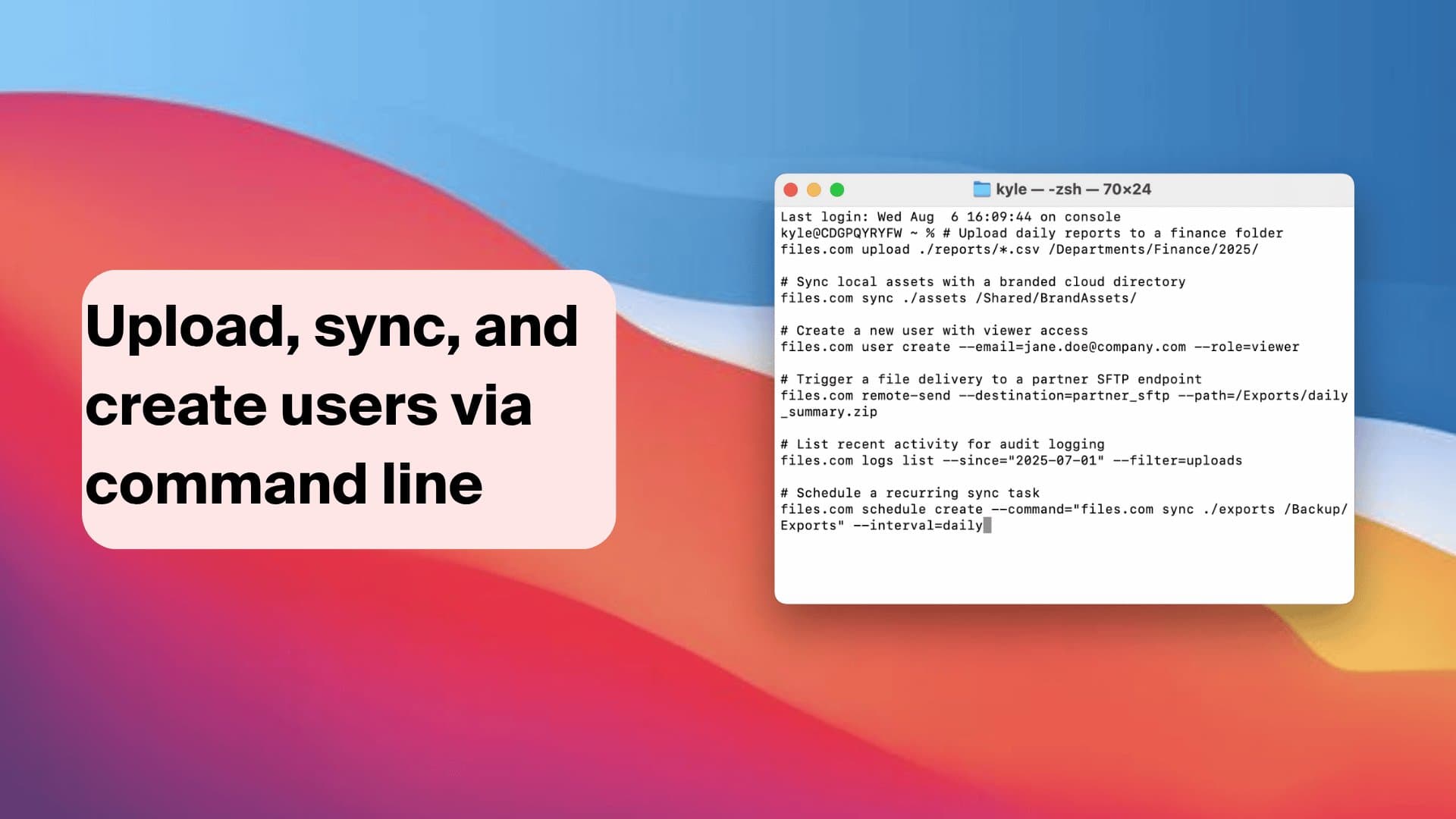
Get Started In Minutes
Download the CLI for your system, sign in with a Files.com API key, and run your first transfer. The full command reference, install steps, and examples live in the developer docs.
How Plants Move Production Data With It
Unattended transfers between manufacturing sites are the CLI’s most common job.
Scripted Pulls That Do Not Die Quietly
A scheduled job at the receiving plant runs the CLI to pull what landed in a folder and clear it, with exit codes and logs a scheduler can act on. The batch file driving a desktop SFTP client, which stopped silently when a path changed, is gone.
The Landing Folder Nobody Has To Babysit
Plant systems drop exports into a Files.com folder, corporate jobs pull them on schedule, and the transfer between sites runs with no one in the loop and a record of every run.
Command-Line App Questions
Put Files.com On The Command Line
Download the CLI for Windows, macOS, or Linux, sign in with an API key, and move files or run your whole site from a terminal or a script.
No credit card required • Free for 7 days • Live in minutes