





What is ExpanDrive?
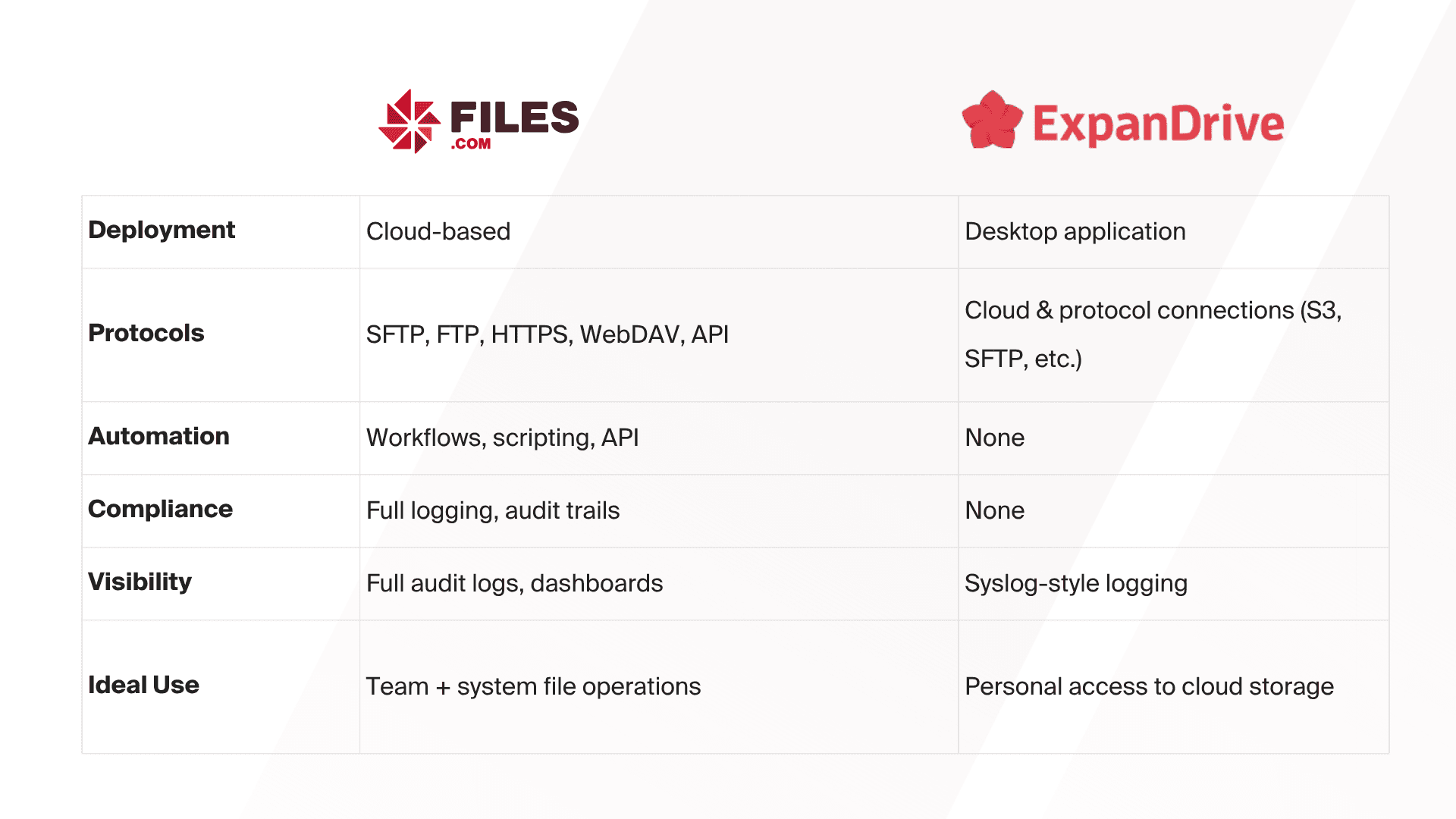
ExpanDrive is a desktop application that connects remote cloud storage to your local file system. It works silently in the background to give you real-time, filesystem-level access to remote files.
- - Amazon S3
- - Google Drive
- - Dropbox
- - OneDrive
- - Backblaze B2
- - SFTP/FTP servers
- - WebDAV and more
It's perfect for individual users, developers, creatives, and small teams who want fast access to remote files - without syncing or opening a web app.
Why Use ExpanDrive?
Even though ExpanDrive is limited, it shines when:
- You need quick, personal access to cloud files from the desktop
- You want to work with remote files without syncing or downloading
- You are a developer or creative managing assets across multiple services
- You don't need shared user access, workflow automation, or audit logs
It is a lightweight tool that does one thing very well: make remote storage feel local.
If you need to:
- Manage files across teams, systems, or departments
- Automate transfers between cloud and on-prem
- Control access, ensure compliance, and monitor activity
- Centralize infrastructure around one platform
Then it is time for Files.com.
Files.com picks up where ExpanDrive leaves off - with enterprise-grade features that scale with your business.
When to Upgrade to Files.com
The Big Picture
ExpanDrive is a smart tool for individuals.
Files.com is the platform for IT teams and businesses.
You do not have to choose one or the other - many organizations use both: ExpanDrive for fast desktop access, and Files.com to power backend workflows, compliance needs, and automation.
Get ExpanDrive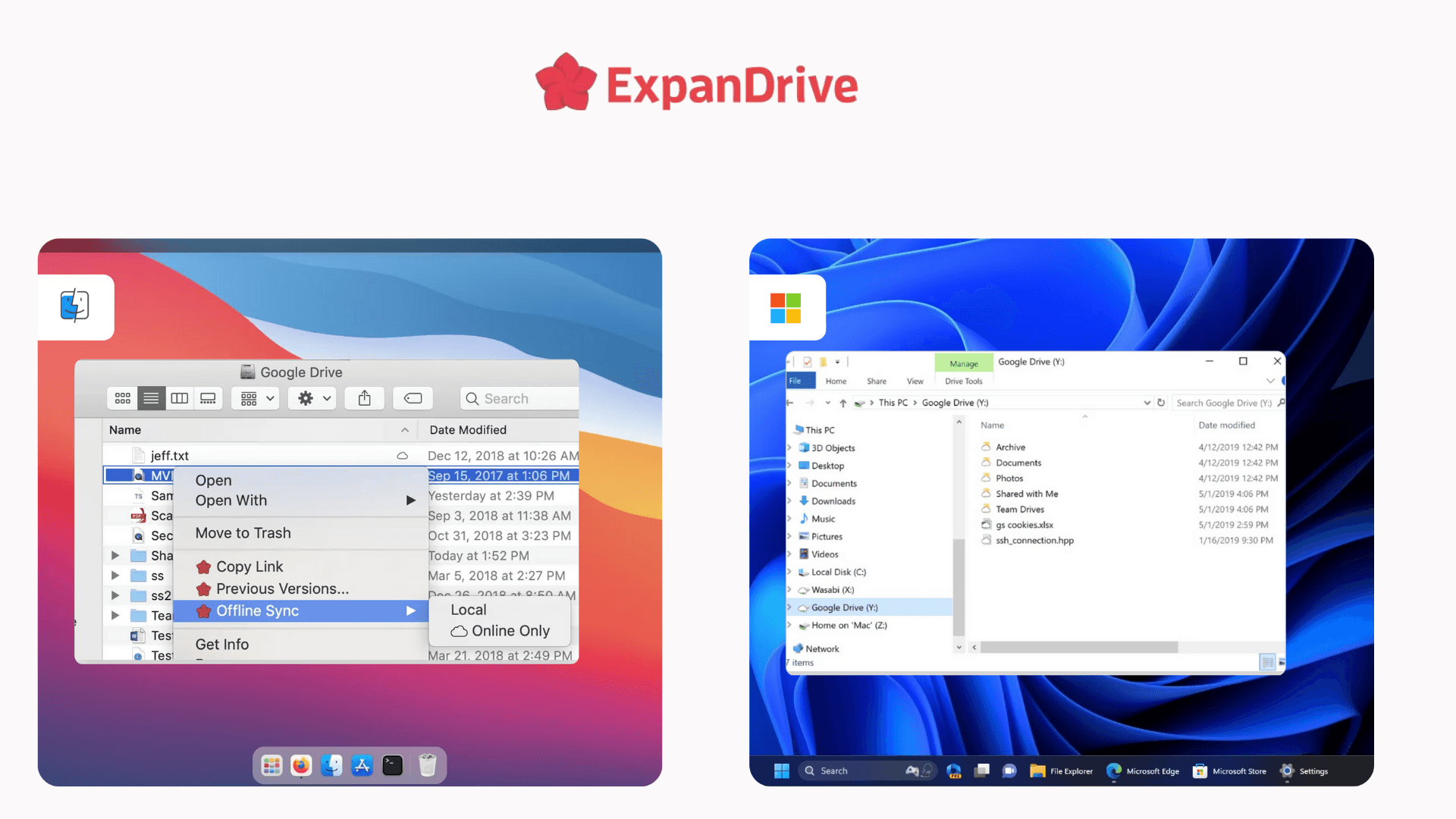
Get The File Orchestration Platform Today
4,000+ organizations trust Files.com for mission-critical file operations. Start your free trial now and build your first flow in 60 seconds.
No credit card required • 7-day free trial • Setup in minutes