A Power Up For Your Google Tools (Not a Replacement)
Add powerful file governance and automation features to your Google workflows.
- Secure external file sharing: Share files with partners using controlled access, permissions, and fully auditable Share Links
- Frictionless file collection: Receive files from anyone via secure Inboxes, through web uploads or simple email attachments
- Automated file workflows: Move, process, and deliver files automatically with event-driven and scheduled automations
- Universal file transfer: Connect Google to any system using SFTP, FTPS, AS2, APIs, and more
- Real-time event orchestration: Trigger workflows instantly with Google Pub/Sub, webhooks, and notifications
- Advanced data protection: Secure sensitive files with GPG encryption and enterprise-grade security controls
- Unified identity and access: Manage users and permissions with Google SSO across all your storage repos (no IAM roles required)
- Seamless integrations: Connect to your broader stack using Files.com as an iPaaS platforms
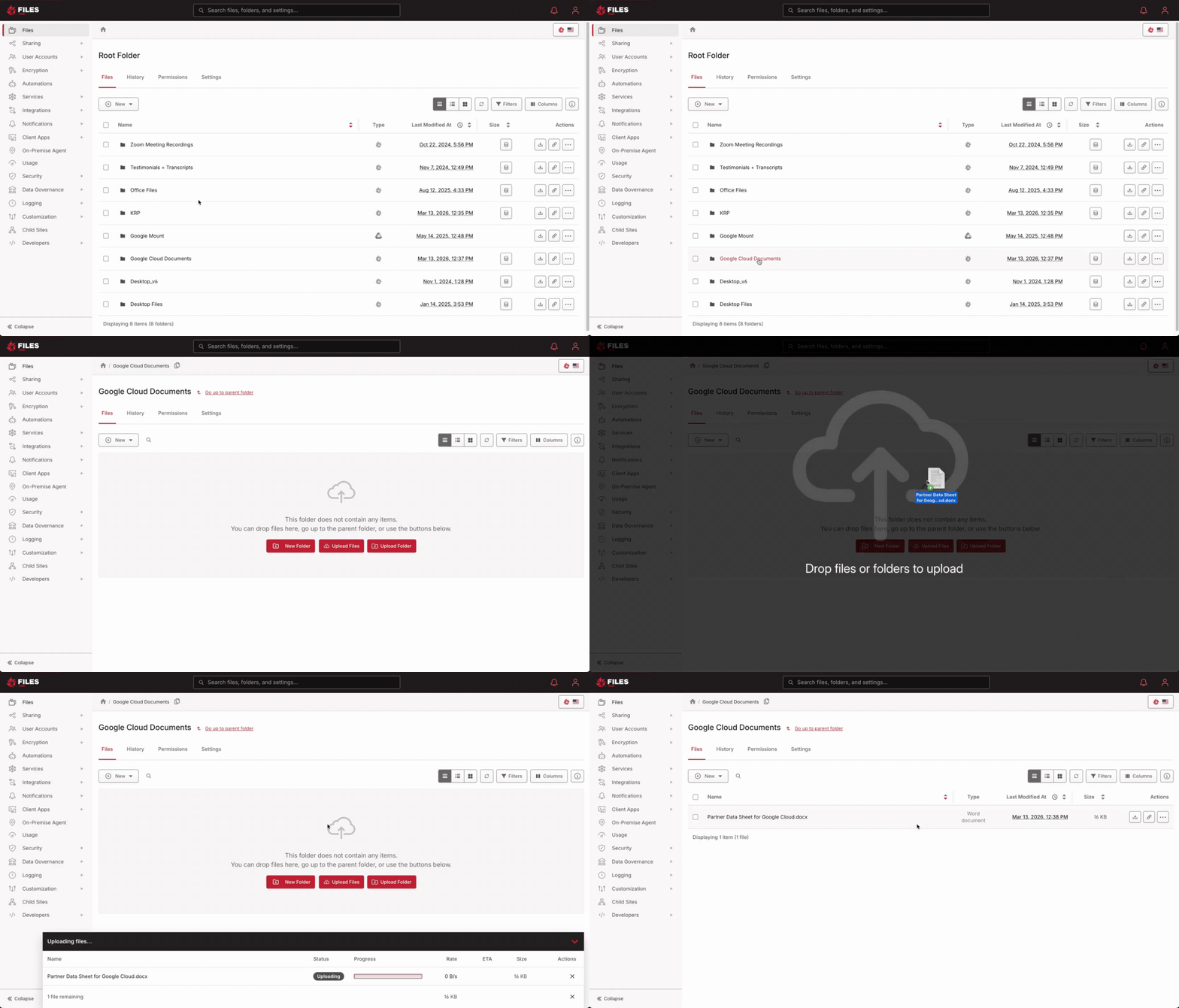
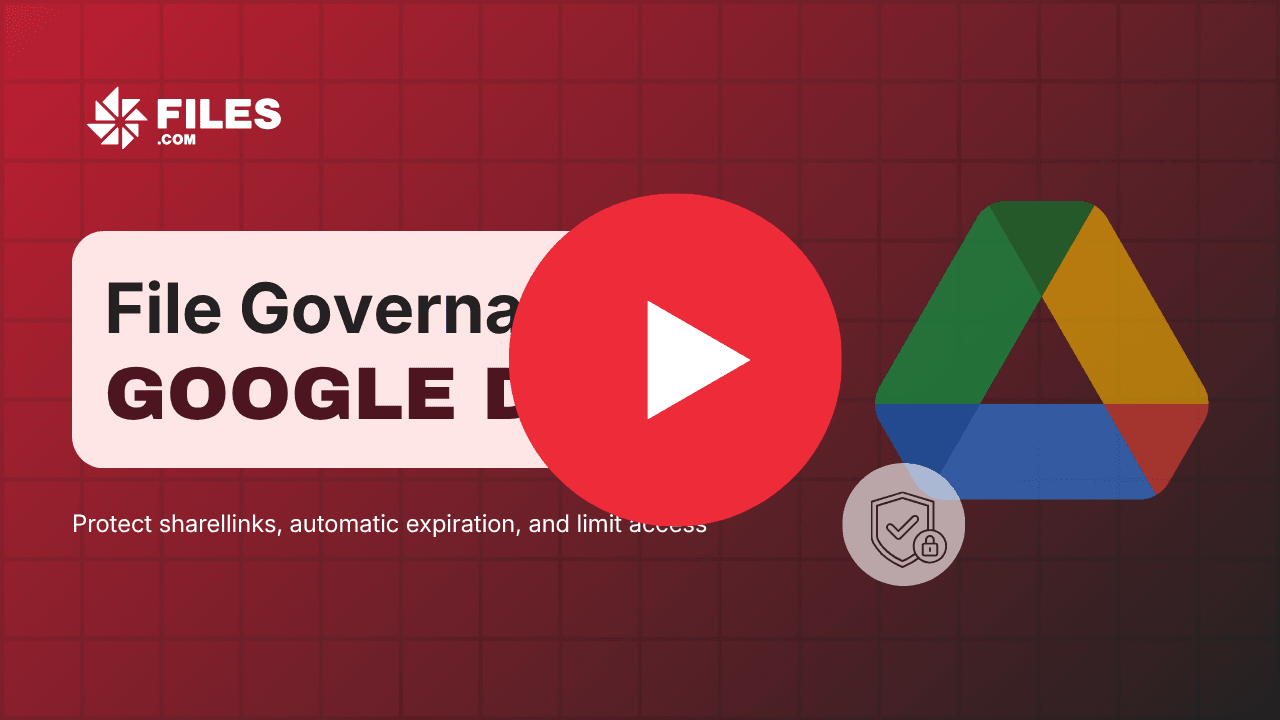
Secure File Sharing Inside Google Drive
How Teams Control and Scale File Sharing in Google Environments
Requirements like granular permissions, auditability, expiration policies, and secure upload workflows often go beyond what native sharing links provide.
As a result, teams rely on a mix of manual processes, workarounds, or over-permissioned access that can introduce risk and limit visibility.
Files.com extends Google Drive by giving teams full control over how files are accessed, shared, and managed externally without.
Secure Google Drive Sharelinks for Internal and External SharingTake Control of Google Drive File Sharing
As file sharing scales across clients, vendors, and partners, requirements like granular permissions, secure uploads, and full visibility become essential. Files.com builds on top of Google Drive to provide a more structured and secure approach - giving teams control over how files are accessed, shared, and managed externally.
Secure file collections
Protect sensitive data with encryption at every stage, including support for GPG encryption on upload. This ensures that files remain secure both in transit and at rest, even when shared across external parties and systems.
Audit and visibility
Track every file interaction with detailed logs, including uploads, downloads, and user activity. This level of visibility supports compliance requirements, simplifies reporting, and helps teams quickly troubleshoot issues when they arise.
Data protection built in
Protect sensitive data with encryption at every stage, including support for GPG encryption on upload. This ensures that files remain secure both in transit and at rest, even when shared across external parties and systems.
Flexible collaboration across systems
Enable seamless collaboration between internal teams, external users, and automated systems - all within a single platform. Files.com bridges Google Drive with other tools and environments, so files can move and be accessed wherever work needs to happen.
Manage external sharing
Maintain full control over external file access with share link governance, enforcing consistent policies for permissions, expiration, and visibility. Reduce risk while enabling secure, scalable collaboration across teams and partners.
Connect Google Collaboration to Automated Workflows
Files.com acts as the file automation layer across Google Workspace, Google Cloud, and external systems - connecting collaboration, storage, and infrastructure into unified, event-driven workflows. Instead of relying on manual steps or disconnected tools, organizations can automate how files move, trigger actions across platforms, and ensure consistency at scale.
Learn how modern teams are:
- Connecting Google Drive to downstream systems
- Triggering workflows from file events
- Standardizing file-based processes across teams
- Integrating Google into a broader ecosystem
Google tools don't operate in isolation. Most organizations rely on a mix of cloud platforms, on-prem systems, and external partners to move files and power critical workflows.
Files.com connects your Google environment to everything else - enabling secure, reliable file movement across systems, protocols, and infrastructure without added complexity. Instead of building custom integrations or relying on fragmented tools, teams can centralize file transfer and orchestration in a single platform.
Whether you're integrating with legacy systems, exchanging files with partners, or building hybrid workflows, Files.com ensures your Google-based processes extend seamlessly across your entire ecosystem.
Works seamlessly across your environment:
- Works with any protocol — Transfer files using SFTP, FTPS, AS2, HTTPS, or APIs without needing custom configurations
- Connects to any partner — Standardize file exchange across vendors, customers, and third parties regardless of their systems
- Supports hybrid environments — Bridge Google Cloud with on-prem infrastructure and external storage systems
Connect Google to Any System
Foresight Diagnostics Accelerates Faster Clinical Insights with Files.com
Foresight Diagnostics was migrating workloads from Google Cloud to AWS while some partners still relied on Google Cloud Storage buckets. With individual sequencing files exceeding 250 GB, their previous approach of granting direct bucket access wasn't cutting it:
- No granular permissions or robust audit logs
- Raw bucket paths and access keys exposed to external partners
- Not workable for non-technical clinicians and investigators
Files.com provided cloud-native connectors to both GCS and AWS simultaneously, so Foresight could migrate at their own pace without disrupting partners. Everyone — regardless of which cloud they were on — saw a single unified interface, with no bucket paths or access keys required.
Read the customer story
4,000 organizations rely on Files.com every day
Real companies. Real file flows. Real results.





Get The File Orchestration Platform Today
4,000+ organizations trust Files.com for mission-critical file operations. Start your free trial now and build your first flow in 60 seconds.
No credit card required • 7-day free trial • Setup in minutes