How Files.com Facilitates Collaboration and Integrations Beyond Legacy File Servers
May 21, 2025
Legacy and on-premise file servers were built for a time when internal networks, limited remote access, and manual processes were the norm.
In today’s cloud-first, API-driven world, these systems create friction; making real-time collaboration difficult and blocking seamless integration with the tools your teams rely on.
Modern SaaS-based file transfer platforms like Files.com are the opposite. Built for the cloud and today's hyper-integrated environment, we're making it easier for enterprises to work across locations, teams, and systems.
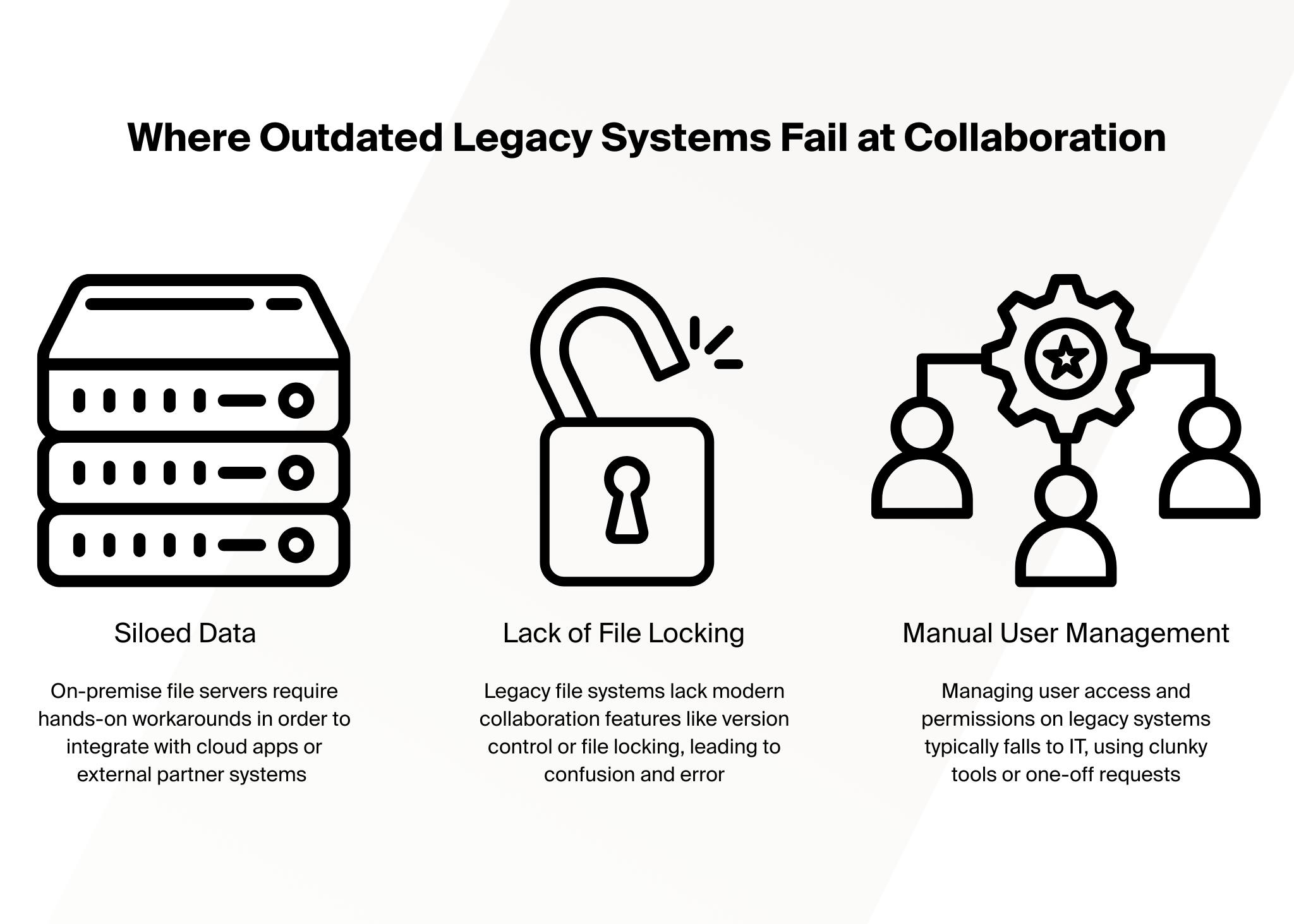
Why Outdated Legacy Systems Fail at Collaboration
Today’s teams don’t just work in a single location; they work across time zones, platforms, and partner ecosystems. Legacy file servers weren't designed for the demands of modern work, but static environments where everyone sat behind the same firewall, and file sharing rarely went beyond internal networks.
In 2025, that setup breaks down fast. Whether it’s remote employees needing instant access, external partners requiring secure sharing, or departments automating workflows between cloud tools, modern collaboration demands flexible and scalable solutions.
Here’s where legacy systems fall short and why they’re holding your teams back.
Lack of File Locking & Version Conflicts
Legacy file systems often lack collaboration-aware features like version control, file locking, or concurrent editing safeguards. This leads to overwritten work, duplicate files, and confusion about which version is actually “final.” In fast-paced environments, such conflicts create costly errors and erode team productivity.
Siloed Data and Manual Workarounds
On-premise file servers are inherently siloed. Integrating them with cloud apps or partner systems is either impossible or requires workarounds, like scripting, email attachments, or manual uploads.
Tireless User Management
Managing access and permissions on legacy systems typically falls to IT, using clunky tools or one-off requests. There’s often no simple way to set expiration dates for access, enforce granular permissions, or provide temporary links for external collaborators. Every new user or project becomes an administrative burden, stretching IT resources thin.
How a SaaS FTP Platform Like Files.com Unlocks Total Collaboration
Where legacy systems hinder collaboration, a modern SaaS file transfer platform like Files.com removes barriers and empowers users. Designed for flexibility, security, and speed, Files.com transforms how teams work together by facilitating:
Cloud-Native, Anywhere Access
Whether your teams prefer a web interface, mobile device, or traditional FTP/SFTP client, Files.com makes it simple to get to the files they need, when they need them.
Fine-Grained Permissions and Secure Sharing
With role-based permissions, folder-level access control, and expiration settings, you can share precisely the right data with internal users, contractors, or partners. You can even generate secure, time-limited file links for quick external sharing without compromising your security posture.
Real-Time Workflows and Activity Visibility
Files.com includes robust audit logging and event tracking, giving teams real-time visibility into who accessed what and when. This transparency not only supports compliance and governance needs—it also enables better teamwork.
Built-In Automation for Smarter Collaboration
Collaboration isn’t just about sharing—it’s about reducing repetitive tasks and speeding up workflows. Files.com enables automation through event-driven triggers, scheduled tasks, and integrations. For example:
Automatically notify a team when a file is uploaded to a shared workspace.
Move files to cold storage after a certain period.
Trigger downstream workflows in apps like Slack, Zapier, or a custom API when files are updated.
How Modern FTP's Facilitate Integrations That Actually Works
Where legacy systems struggle to keep up, Files.com builds bridges between departments, between tools, and between businesses. With out-of-the-box integrations, robust APIs, and real-time automation, it turns file transfer into a fluid part of your digital infrastructure.
1. Native Integrations with Popular Cloud Services
Files.com connects out-of-the-box with leading cloud storage providers and enterprise platforms, including:
Amazon S3 and Azure Blob Storage: Automate syncing or offloading of files to long-term cloud storage
Google Cloud Storage and Dropbox: Move files between users and departments with ease
SharePoint and OneDrive: Extend collaboration to business users in Microsoft environments
Box and Backblaze B2: Build tailored workflows across content management platforms
2. API-First for Custom Workflow Integration
For teams with unique systems or custom-built applications, Files.com offers a powerful REST API that allows for full control of files, users, automation, and more. You can build your own integrations to:
Ingest files from proprietary apps
Trigger business processes based on file events
Query file metadata or automate folder structures
3. Webhooks and Event Triggers
Files.com supports event-driven webhooks that notify external systems when specific actions occur—like uploads, downloads, file moves, or permission changes. This enables tight integration, helps automate processes and reduce delays caused by manual oversight with systems such as:
Ticketing tools (e.g. ServiceNow, Jira)
Notification platforms (e.g. Slack, Teams)
Custom ETL pipelines or data processors
4. Cross-Protocol Bridging
Files.com acts as a universal gateway between legacy systems and modern tools. You can ingest files via FTP, SFTP, or WebDAV and immediately push them to cloud platforms, or expose them via HTTPS or API. This is especially valuable for organizations in industries like logistics, finance, or media, where external partners still rely on older protocols.
The result: your team can work with any external system without having to maintain an aging server or invest in expensive, one-off solutions.
5. Scheduled and Conditional File Automations
With Files.com, integrations aren’t just reactive; they can also be scheduled and conditional. You can:
Set up recurring sync jobs to send or retrieve files at set intervals.
Use conditions (e.g., file size, filename patterns) to trigger specific transfers.
Chain tasks together to build end-to-end automation pipelines—all without code.
Leave Legacy Limitations Behind
Today’s organizations can’t afford to be slowed down by outdated infrastructure. Legacy file servers weren’t built for the dynamic, interconnected, remote-friendly world we now operate in. They restrict collaboration, isolate data, and demand workarounds just to perform basic integrations.
SaaS platforms like Files.com offer a smarter path forward. They empower your teams to collaborate securely and efficiently—no matter where they are or who they’re working with. And they integrate seamlessly with the tools and platforms that run your business, eliminating manual steps, bridging silos, and unlocking automation at scale.
Google Cloud Storage is built for scalability; but not for file workflows. Learn how teams layer automation, orchestration, and secure file transfer on top of GCS to move, process, and deliver files across systems without added complexity.
Financial institutions routinely move ACH files and transaction data between customers, core banking systems, and third-party processors. Learn how modern banking file transfer workflows operate and what IT teams should look for when managing secure, automated integrations across vendors.
As medical groups expand, file sharing becomes a compliance and operational challenge. Learn how healthcare IT teams deploy secure SFTP access, controlled upload workflows, and automated transfers without complex infrastructure projects.