
January 31, 2025
Announcing MuleSoft Partner Connector
MuleSoft Partner Connector for Files.com now available.
Google Cloud Storage (GCS) is one of the most reliable and scalable object storage services available. It stores and retrieves huge amounts of data with high durability, global availability, and tight integration across the rest of the Google Cloud ecosystem. If your job is to keep a lot of files safe and reachable, GCS does that job well.
But storing files is only one part of the work. In a real environment, files don't just sit in a bucket. They move between systems, kick off the next step in a process, and travel back and forth between your team and outside partners. That movement is where file transfer workflows live, and it's where teams that lean on GCS alone start to feel friction. GCS connects cleanly to other Google Cloud services, but it isn't built to run file workflows by itself.
A file transfer workflow is just the sequence of steps a file goes through: someone sends it in, your system checks it, renames it, files it in the right place, and hands it off to whatever needs it next. To get that sequence running on top of GCS, teams usually stitch together extra pieces such as Cloud Functions, Pub/Sub, or a third-party integration tool. Each new piece is one more thing to wire up and maintain, and over time the whole arrangement gets fragile and hard to follow.
Here are five of the most common file transfer workflows that Google Cloud Storage doesn't handle alone, and how teams solve each one.
Google Cloud Storage is excellent at what it was built for: holding objects and making them available. What it doesn't do is run the workflows around those objects or govern how files come and go.
GCS has no native way to do any of these:
This is where a file orchestration layer earns its keep. Orchestration just means putting one system in charge of the whole sequence: taking files in, deciding where they go, changing them if needed, and delivering them. That layer sits above storage like GCS and runs the steps, so you don't have to build a custom pipeline for each one.
One of the most common needs is collecting files from people outside your company: vendors, customers, partners, or remote staff.
Google Cloud Storage has no built-in way to do this. There's no SFTP doorway, no branded upload page, and no controlled path for someone without a Google Cloud account to drop a file into a bucket safely. To fill the gap, teams stand up extra infrastructure: their own SFTP servers, API gateways, or homegrown upload pages. Each of those is more to run, and most of them end up with uneven security and inconsistent rules.
Files.com solves this by sitting in front of GCS as a secure intake layer. Outside users send files over SFTP, an HTTPS web portal, or an API, and you decide exactly what happens to each file. A file can be checked, renamed, or routed automatically before it's ever written into a GCS bucket, and the same permissions, access controls, and audit log (a record of who did what, used to pass compliance audits) apply to every upload. Instead of exposing the bucket directly, you give partners one controlled front door that feeds into GCS.
A lot of modern systems are event-driven, which means an action happens the moment a file shows up: a job runs, another system gets notified, or the file moves on to the next stop.
GCS can announce that a file landed, using Pub/Sub notifications, but turning that announcement into real work takes more services such as Cloud Functions or Cloud Run. Every added step is more code, more dependencies, and more that can break. As the workflow stretches across APIs, databases, and outside services, the whole chain gets harder to keep healthy. Some teams reach for an integration platform such as Boomi to run the orchestration, but those tools are built for broad app-to-app integration, not for file-centric work.
Files.com handles this with automation that fires directly off a file event. When a file is uploaded, it can automatically move or copy the file to another system (cloud or on-premise), send a notification or webhook (an automatic message to another app), rename the file or reorganize folders, or trigger the next transfer. These steps can reach straight into GCS, an outside API, an SFTP server, or another cloud, with no custom code and no extra services to keep alive.
Plenty of companies run more than one cloud. A file might need to travel between Google Cloud Storage, Amazon S3, Azure Blob Storage, and on-premise systems such as an SFTP server or a network share. GCS won't move files between those places on its own.
Files.com is built to be the universal transfer layer across all of them. It connects natively to the major cloud storage providers and speaks the traditional protocols too, including SFTP and FTP. Files move between systems on a schedule or in response to an event, and you can see every transfer as it happens. That removes the pile of custom scripts and one-off integration logic teams usually accumulate, and it lets you treat GCS as one part of a larger system instead of an island.
Sending files to outside stakeholders is another place GCS alone comes up short. It supports signed URLs and IAM-based access (Google's own permission system), but those aren't built for governed external sharing. Handling expirations, who's allowed in, and a clean record of access usually means more tooling or custom work. When that gets painful, people fall back to email attachments or unmanaged links, which is exactly what a security team doesn't want.
Files.com adds a secure sharing layer on top of storage like GCS. By mounting a Google Cloud Storage bucket, you can run controlled collaboration and human review right on top of the data, without copying files into yet another system such as Google Drive. Access can carry expiration dates, password protection, and specific allowed actions, and every interaction is logged for a complete audit trail of who touched a file and what they did. The files stay in GCS the whole time and are reached through a controlled interface, so the bucket is never exposed directly. Storage and access stay separate, and your data doesn't have to move for you to govern it.
Many teams adopt an integration platform such as Boomi to orchestrate workflows that involve files. Those tools can spot a file in storage, transform the data, and route it onward. For file-centric work, though, they're often more complex and more expensive than the job needs. They add configuration layers, take specialized skills to run, and are designed for a much broader set of integration problems than moving files around.
Files.com is a more focused alternative. It's purpose-built for file workflows, so intake, processing, routing, and delivery all live in one place. A flow that would otherwise need several tools can be set up and managed in a single system.
A typical pipeline might receive files from a third party over SFTP, validate and rename them, upload them to GCS, and then trigger delivery to another folder. On Files.com, that whole flow is defined without an outside orchestration tool. For teams already running GCS alongside a platform like Boomi, Files.com can either work next to it or take over parts of the architecture, which cuts complexity while adding visibility and control.
Most teams that outgrow stitching together Cloud Functions, Pub/Sub, and custom scripts on top of GCS move to a single File Orchestration Platform that runs the whole file workflow for them. Files.com is the cloud-native File Orchestration Platform: one platform that replaces the stack of tools IT teams run to move files, including SFTP and FTP servers, file-sharing apps, and the scripts holding them together. It speaks every protocol, connects to 50+ cloud and on-prem systems, automates every transfer, and keeps a complete audit trail.
For a GCS shop, Files.com sits on top of the storage you already have rather than replacing it. You mount your existing Google Cloud Storage bucket, and your data stays exactly where it lives now. From there you get the parts GCS doesn't provide on its own: an SFTP and HTTPS front door for outside partners, automation that fires on a file event, transfers across other clouds and on-prem systems, governed external sharing, and one audit trail across all of it. If you want to see the building blocks first, the file-based integration patterns for Google Cloud post walks through how files move in and out of GCS in practice.
See how straightforward it is to connect your Google Cloud Storage bucket to Files.com. Explore Files.com's workflow automation and protocol support, or start a free trial — no credit card, live in minutes.
MuleSoft Partner Connector for Files.com now available.
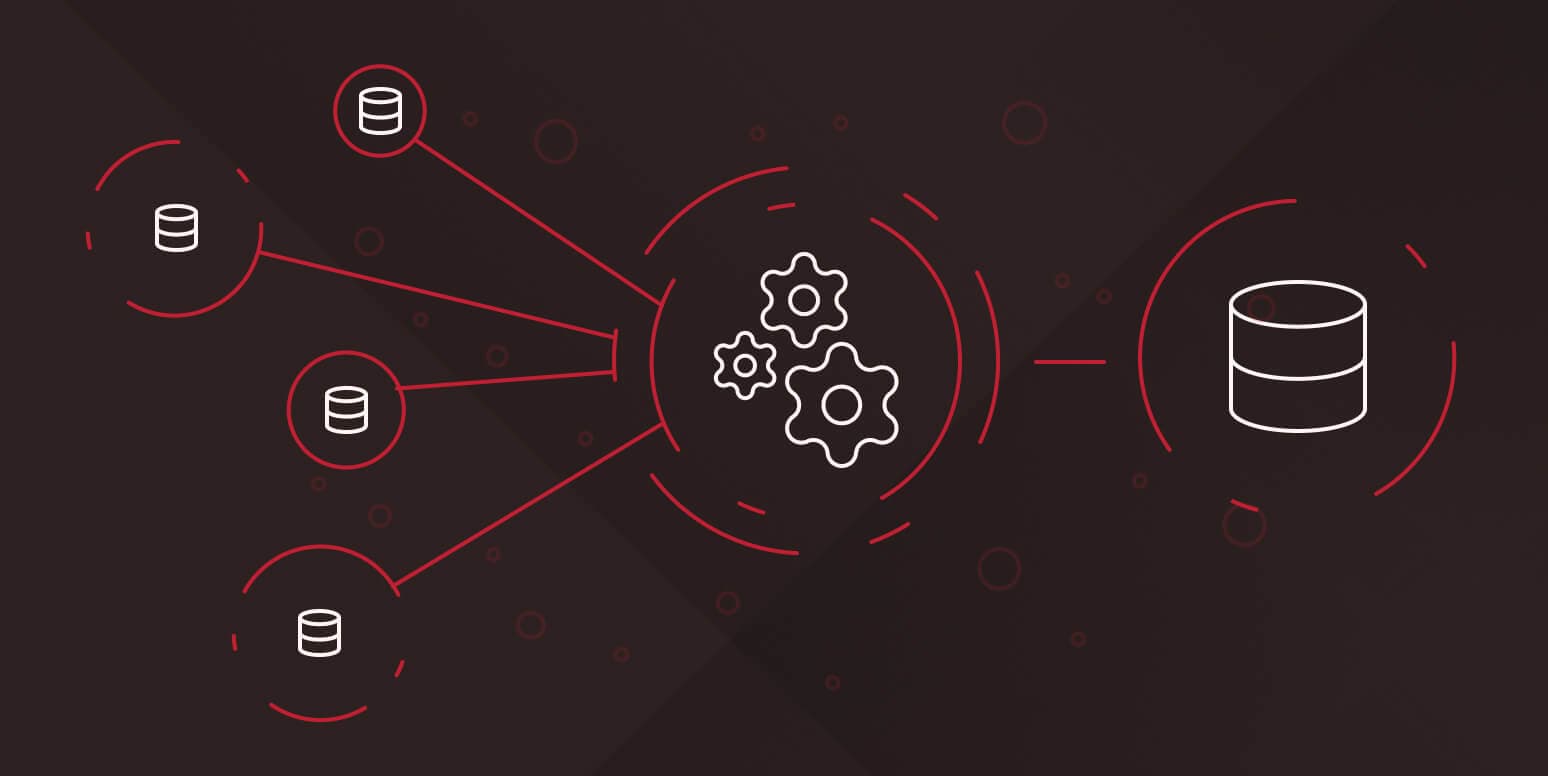
ETL is the process of pulling data from where it lives, reshaping it into something a downstream system can use, and loading it into the destination. Files.com is the file-based layer underneath most of that flow.

How Files.com uses AI to streamline operations, uncover customer insights, and turn internal data into a competitive advantage – without the hype.
4,000+ organizations trust Files.com for mission-critical file operations. Start your free trial now and build your first flow in 60 seconds.
No credit card required • 7-day free trial • Live in minutes