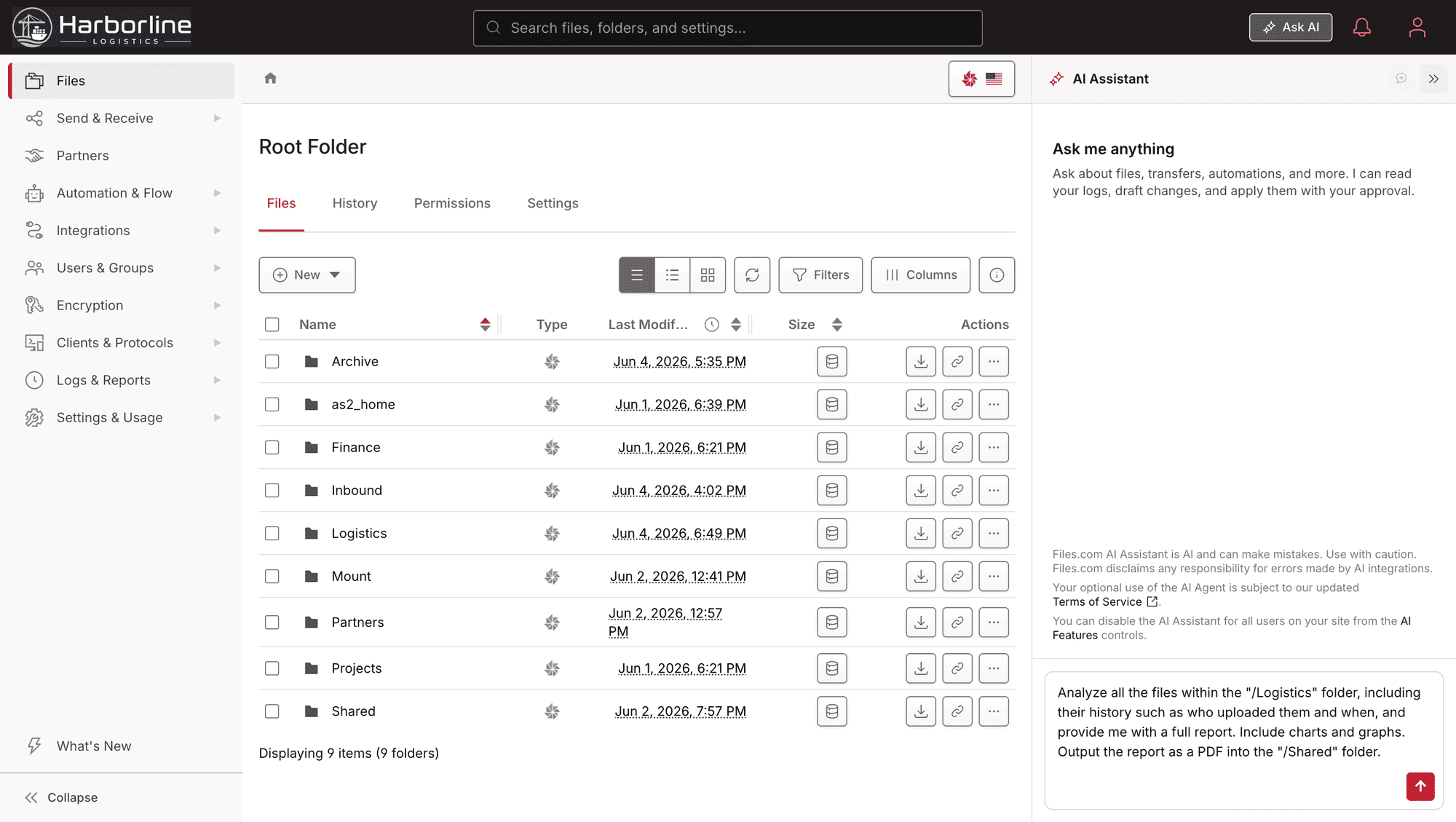
AI That Lives In The Platform, Not Bolted On

Most file-transfer products treat AI as something you add later: a script that parses payloads, a separate tool to wire in, a chatbot that can’t actually touch your files. Files.com works the other way. The AI ships inside the platform, and the platform is open enough that your own AI can run it too.

AI works with Files.com in four ways. Each one answers a different question, so it helps to know which you mean.

Four Ways AI Works With Files.com

The AI Files.com runs for you, plus the open ways your own AI can run on Files.com: the assistant, your agents, MCP, and AI inside your workflows.

The Built-In AI Assistant

A chat assistant inside Files.com that runs the platform in plain language. Ask it to do something and it does it. It can only do what you are already allowed to do, so there is no over-powered bot to worry about. It also knows the product and the docs, so it answers questions as well as it takes action.

Point Your Own Agents At It

Every Files.com operation lives in the official REST API, so an agent you build on OpenAI, Claude, or anything else gets the full platform, exactly like a person does. Nothing to screen-scrape or reverse-engineer.

A Live MCP Server

Files.com runs a hosted Model Context Protocol server — MCP is the open standard that lets an AI client connect to an outside system. Claude Desktop, Cursor, or any MCP client can run your site under the same API key, permissions, and audit trail as any other client.

AI Inside Your Workflows

AI runs inside your automated workflows at the moment files arrive — through TransformScript. It reads messy files, pulls out the fields you need, sorts documents by type, fixes broken content, and routes the result.

AI Under The Same Rules As Everyone Else

Our assistant, your agent, or an MCP client — AI runs under the same logins, permissions, and audit trail the rest of your platform already uses.

Same Permissions As A Person

The assistant, your agents, and any MCP client all run under a real user account and its folder permissions. AI never sees more than the user it acts for is allowed to see. There is no separate AI-permission system to get wrong.
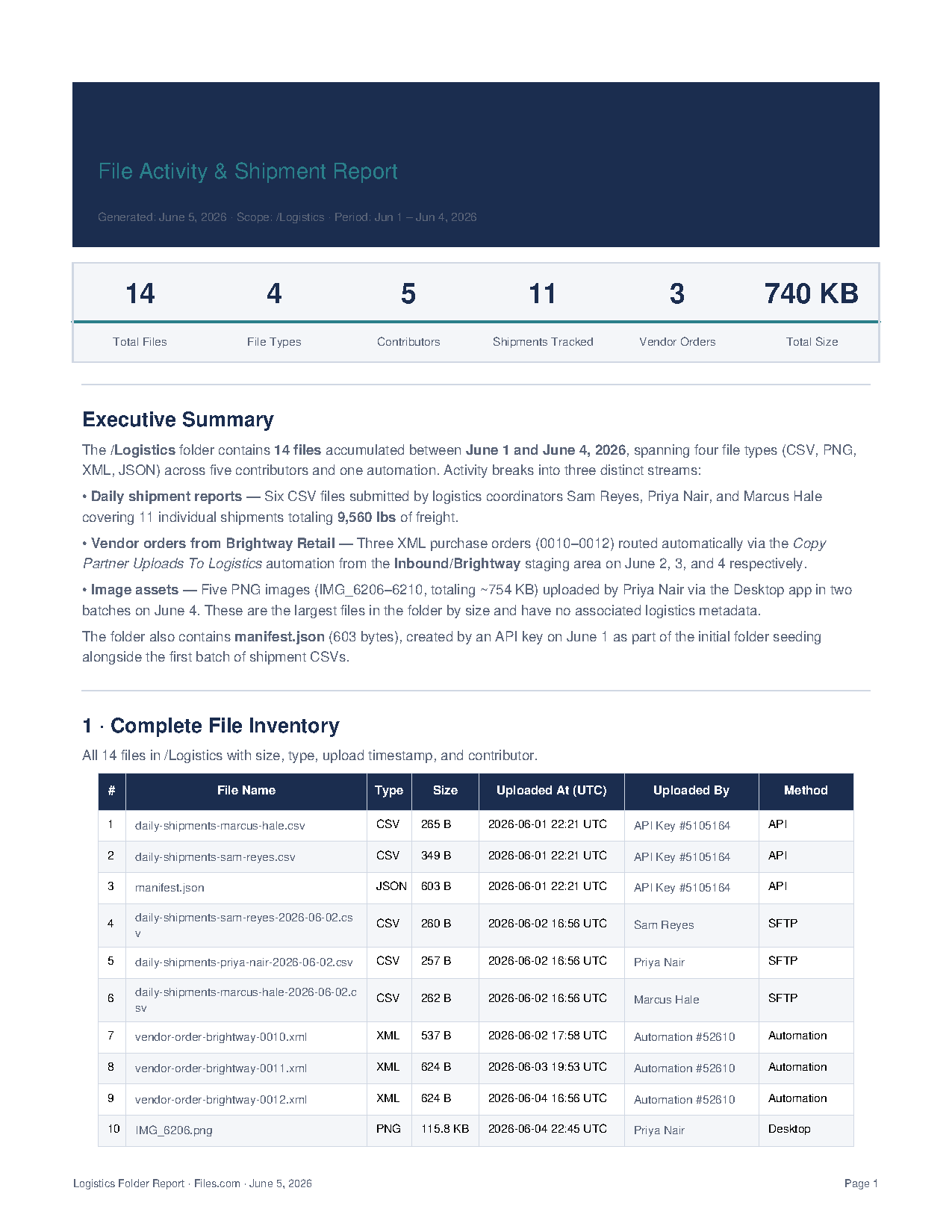
Every Action Is Logged

Whatever the AI does lands in the same immutable audit log as any other client, and you can export it to your SIEM. AI activity is tracked exactly like a person or a script.

Fully Manageable By Admins

The built-in assistant is administered like the rest of the platform. You decide who can use it and what they can reach, using the controls you already use for people.

Why This Matters For A Buying Decision

Before long, every file-transfer product will need a built-in AI assistant. Today it is rare, and Files.com has it. A product that can’t be run by its own assistant, can’t be reached by your agents, and has no MCP server is a product you will be replacing in a couple of years.

The same openness pays off elsewhere. AI runs inside TransformScript to turn messy inbound files into clean, routed data the moment they land. See what each plan includes on the pricing page.

Compare Plans

AI On Files.com — Common Questions

What teams ask about the built-in assistant, driving the platform with their own agents, the MCP server, and how AI activity is governed and billed.

Buy The File Platform That AI Can Actually Run

Start a free trial, ask the built-in assistant to set something up in plain language, and point your own agents or an MCP client at the same site — all under one permission model and one audit trail.

No credit card required • Free for 7 days • Live in minutes