Files.com Named a Fall 2025 Enterprise Leader on G2
September 30, 2025
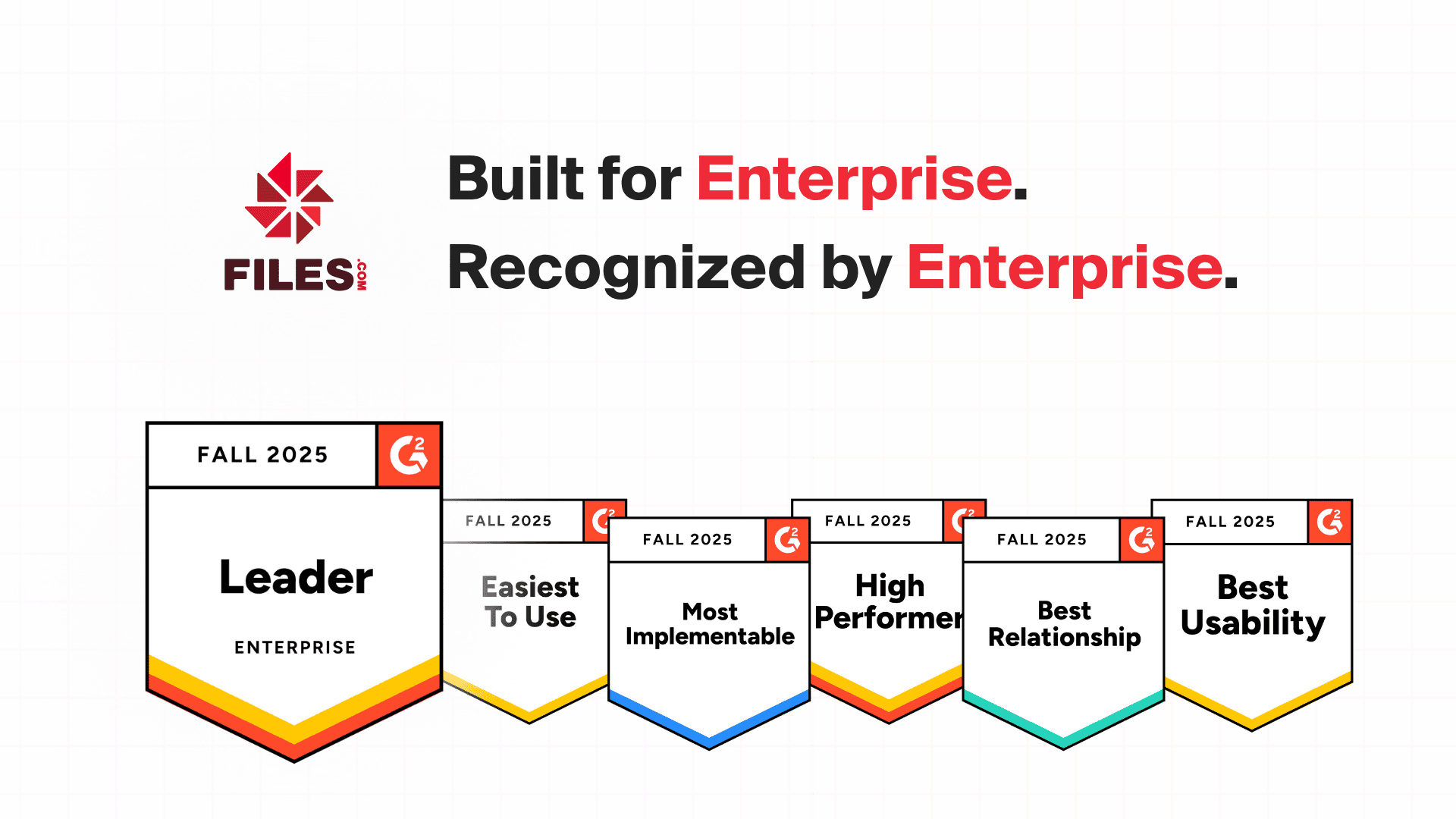
Files.com has been named a Fall 2025 Enterprise Leader on G2, the largest software review site. G2 hands out that title based on real reviews from people who use the product, so the recognition comes from enterprise IT teams who run Files.com every day to move and manage their files.
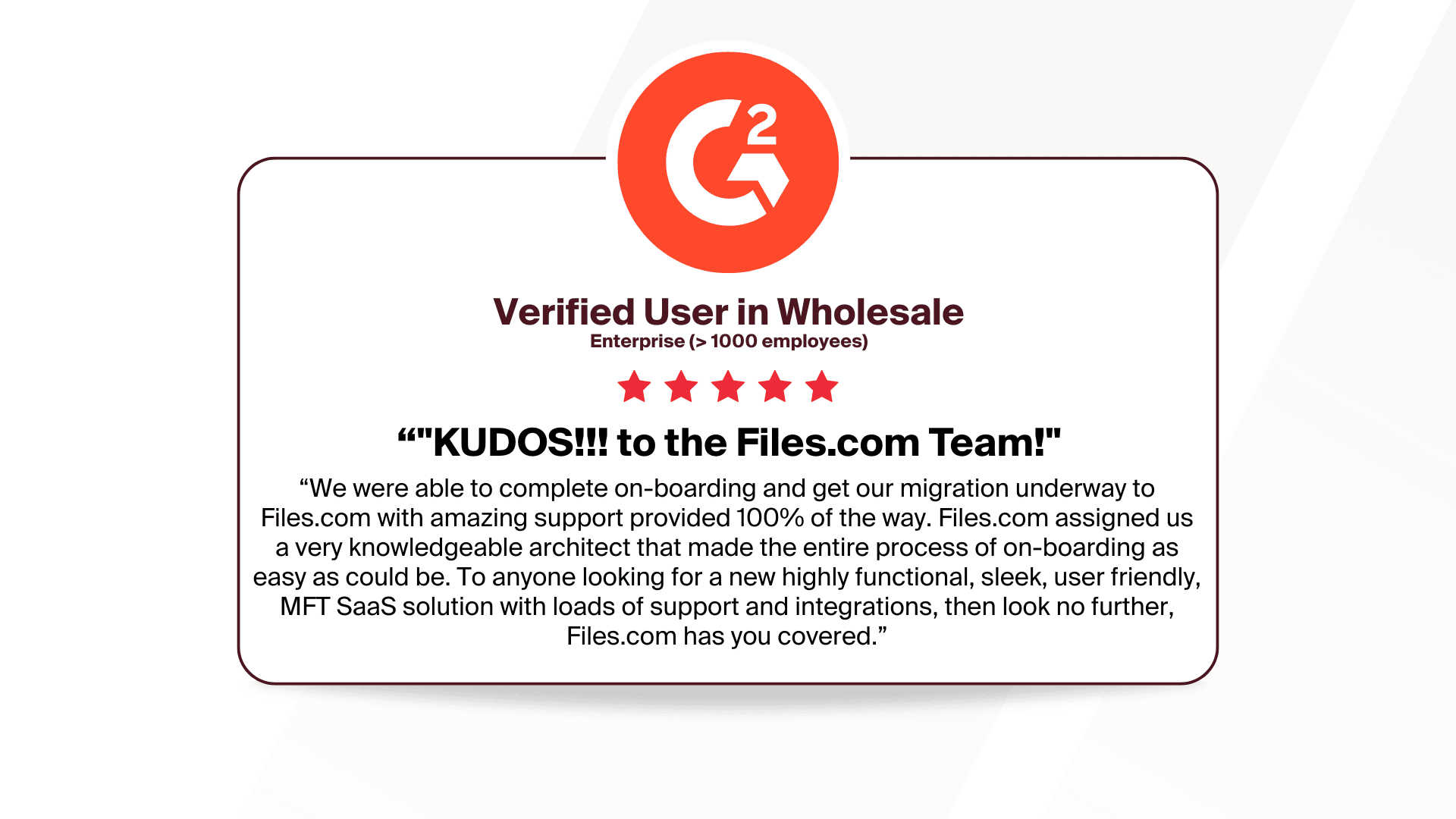
That matters because the badge is not something a vendor can buy. It is earned from the reviews of IT professionals who depend on the platform to secure, automate, and manage their file transfers. When a tool scores well on G2, it scored well with the people who actually use it.
What It Means to Be an Enterprise Leader
G2 gives the Enterprise Leader title to products that score highly on two things at once: how happy customers are, and how widely the product is used inside large organizations — companies with 1,000 or more employees. A product has to do both to earn it. Plenty of tools have happy users at small companies; far fewer keep large IT teams happy at scale.
For Files.com, the title points to three things:
Adoption at scale. Large organizations run Files.com for secure file management and automation, not just small teams.
High customer satisfaction. Enterprise IT teams rank Files.com among the top tools for ease of use, reliability, and support.
Peer validation. The score comes from verified customer reviews, not from a marketing budget.
Six Badges Earned in Fall 2025
Alongside the Enterprise Leader title, Files.com earned six G2 badges this season. Each one is a category G2 tracks, and each says something specific about how the product performs:
Best Usability. A clean interface that helps IT teams get work done without fighting the tool.
Most Implementable. How fast a team can set Files.com up, connect it to systems they already run, and start using it.
High Performer. Customers consistently rank Files.com near the top of a crowded category.
Leader (Enterprise). Confirms Files.com scales to large organizations with strict security and compliance needs.
Easiest to Use. Strong security and automation that stay simple to operate.
Best Relationship. The trust customers place in the support team and the long-term partnerships that follow.
Each badge is a reflection of the confidence customers place in Files.com to move files securely and automatically as their business grows. That confidence is the whole point of the platform.
Customers run Files.com for everything from routine file transfers to high-volume, compliance-driven workflows. Files.com keeps a complete audit log of every transfer and lets a single file arriving on a schedule kick off an automated workflow on its own — the kind of capability enterprise IT teams cite when they rate the platform.
Built for Enterprise File Transfer
Files.com is the cloud-native File Orchestration Platform: one platform that replaces the stack of legacy tools IT teams run to move files — SFTP and FTP servers, MFT (managed file transfer) suites, file-sharing apps, and the custom scripts holding them together. It speaks every protocol, connects to 50+ cloud and on-prem systems, automates every transfer, and keeps a complete audit trail. That combination — secure file transfer, automation, and a full record an auditor can read — is what the G2 reviews keep pointing to.
If you are evaluating Files.com, the managed FTP and SFTP support is the place most teams start. You can also read the deeper explainers on how FTP works and what SFTP is if you are still mapping out which protocols your partners need.
See it for yourself — start a free trial. No credit card, live in minutes.
G2 reviewers named Files.com the #1 easiest-to-use Managed File Transfer platform. Here is why users praise the intuitive interface, fast setup, and automation-friendly workflows.
Files.com has been recognized as a G2 Grid® Leader for Spring 2025, earning high ratings in customer satisfaction and market presence. See why users trust us for secure, automated file transfer and cloud storage.
Files.com has earned FedRAMP Class A certification under FedRAMP 20x. What the certification covers, what comes next, and where to find our security documentation.