A File Lands, AWS Hears About It
When something happens in a folder you’re watching, Files.com publishes a message to your SNS Topic. You wire up the file event once, and SNS delivers it to everything subscribed to the Topic.
When a file lands in a folder you're watching, Files.com publishes a tidy message to your SNS Topic. The Topic can be yours, or one a partner or another team owns. SNS then sends the message to every Lambda, SQS queue, and HTTPS endpoint subscribed to it. There's no polling Lambda to build or babysit.
No credit card required · 7-day free trial · Live in minutes










Real companies. Real file flows. Real results.





























SNS is great at one thing: publish a message to a Topic once, and it reaches every subscriber. What SNS doesn’t do is the file part. It can’t take files in from partners over SFTP and FTPS, control who can touch which folder, or keep an audit trail. Files.com does that part, and publishes a message to your Topic the moment a file lands. Your existing SNS fan-out takes it from there.
When something happens in a folder you’re watching, Files.com publishes a message to your SNS Topic. You wire up the file event once, and SNS delivers it to everything subscribed to the Topic.
The message says what happened, where, by whom, from what address, over which protocol, and the file's name, type, and size. That's enough for a Lambda or SQS consumer to route and process the file without opening it first.
Today you run a Lambda that polls a bucket just to find out a partner’s file showed up. Let Files.com be the front door instead. It takes the file in and publishes the event itself, with the access controls and audit trail a raw bucket path can’t give you. You delete the polling Lambda and stop paying for it to run.
A lot of teams pay for Transfer Family thinking it's the only managed-transfer product that can send SNS notifications. Files.com publishes the same structured SNS events on its own. Point your existing Lambda and SQS subscribers at the Topic, retire Transfer Family, and the pipeline keeps running.
A single SNS notification can publish to several Topics at once, so one folder's activity can kick off several downstream pipelines from one place.
The AWS credential you hand Files.com needs exactly one permission: publish to the Topic. Nothing else. Setting up the event stream never widens what an attacker could reach in your AWS account, so the integration passes a security review without a fight.
Files.com publishes one message per file operation, the instant it happens. There's no waiting and no lumping things together. A downstream Lambda or SQS consumer reacts the moment a file lands.
Files.com records every event in its own audit log, separate from SNS. The SNS stream is never your only record. So even if a subscriber misses a message, the full trail is still there for the audit.
A partner uploads a file over SFTP, Files.com publishes the event to SNS, and SNS sends it to a Lambda that processes the file and an SQS queue that holds it for your billing or EDI system.
SNS sends the same file event to as many places as you want: email, SMS, an internal HTTPS endpoint. So teams in different places all see a critical transfer the moment it happens.
The who, where, and from-what-address details feed a Lambda that writes to your SIEM, turning file activity into security data your team can watch.
Event Channels publish operational events to SNS as they occur: SSO failures, user lockouts, failed automation runs. The AWS alerting you already run for file traffic covers Files.com platform health too.

Your storage behind it all. Pointing Files.com at an S3 bucket and publishing SNS events is the classic AWS setup.
Learn MoreRun file jobs inside Files.com instead of stitching together Lambda, Step Functions, and EventBridge.
Learn MoreThe same idea over plain HTTP, for when the thing receiving the event isn't on AWS.
Learn MoreThe full, separate record of activity that sits behind the SNS stream.
Learn MoreThe full side-by-side for teams paying for Transfer Family just to get SNS notifications.
Learn MoreNovember 30 – December 4, 2026 · Las Vegas, NV
Files.com builds deeply on Amazon S3, Lambda, and the AWS stack, so of course we’ll be on the floor at AWS re:Invent telling our File Orchestration story. The legacy MFT vendors won’t be there.
See Files.com At AWS re:Invent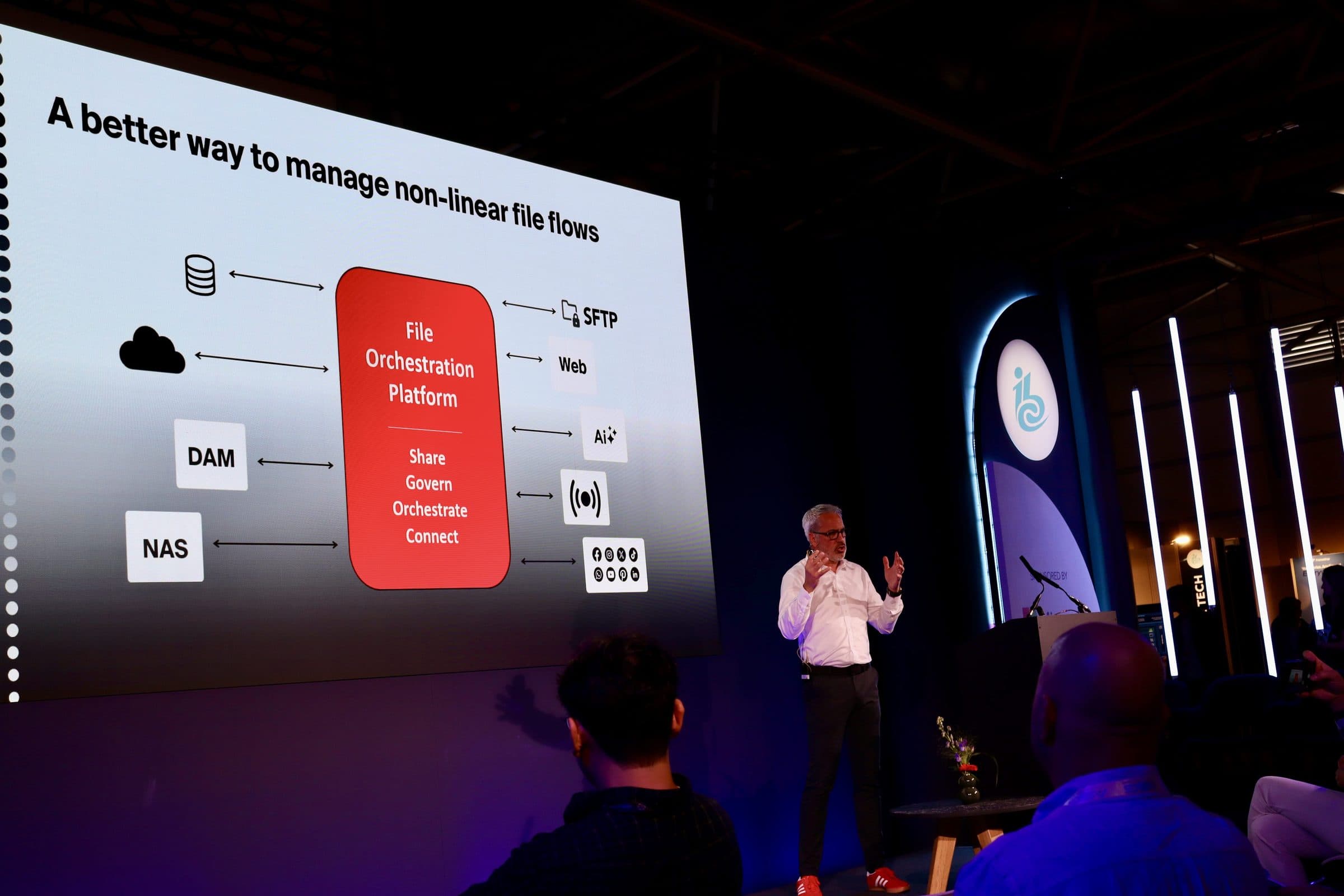
“Files.com's strengths are simplicity, ease of use, and the cloud connectors. We don't have to invent custom infrastructure for every partner.”

“Files.com is versatile — it can manage many different situations from a single platform. We've consolidated multiple tools onto it.”

“Files.com is robust and scales to a large enterprise. We get multiple files per minute, per second — and we're a 24/7 organization, so everything has to always be up.”

How Files.com publishes to your SNS Topic, what’s in each message, and what happens when things go wrong.
Files.com publishes a message to your SNS Topic each time matching activity happens in a folder you're watching, using an AWS credential you provide. From there SNS delivers the message to every subscriber on the Topic: Lambda, SQS, HTTPS, SMS, or email.
The message says it came from Files.com and includes what happened, where, by whom, from what address, over which protocol, when, and the file's name, type, and size, with both paths for copies and moves. That's enough for a subscriber to route and process the event without opening the file.
Yes. One Files.com notification can publish to several SNS Topics at once, so a single folder's activity can drive several downstream pipelines from one place.
Yes. Files.com publishes with whatever AWS credential you configure, so the Topic can belong to another team, a vendor, or a partner who runs the downstream pipeline. They grant publish-only access on their Topic, and you add that credential to the notification.
No. Files.com publishes the same structured SNS message on every file operation, with the access controls and audit trail the raw setup doesn’t give you. You can run the same event-driven pipeline on Files.com and drop Transfer Family.
No. Files.com publishes one message per file operation, the instant it happens, without lumping several operations into a single message.
Every event is recorded in the immutable Files.com audit log, independent of the notification stream. The SNS message is never your only copy of what happened.
Yes. That is the standard AWS pattern: Files.com publishes to the Topic, and SNS fans out to the SQS queues, Lambda functions, and endpoints subscribed to it. One file event can start several AWS workflows at once.
Yes. Beyond file-activity notifications, Files.com Event Channels deliver operational events such as SSO failures, user lockouts, and automation failures to an SNS Topic as they occur, so your AWS-side alerting covers platform health too.
Start a 7-day free trial. Point a folder at an SNS Topic, run a test upload, and watch the event reach your subscribers. No credit card required.
No credit card required • 7-day free trial • Live in minutes