Connect Any S3 Bucket, Yours Or Theirs
Pull files out of someone else's bucket, drop files into theirs, or do both at once. Every action is controlled and logged on your side, so you keep the record even when the bucket isn't yours.
Connect any S3 bucket as a source, a destination, or both. It can be your own bucket, or a partner's, a vendor's, or a customer's. Files.com serves SFTP, FTPS, WebDAV, share links, and automations on top, with a real UI and a full audit trail. You don't have to be an AWS shop to use it.
No credit card required · 7-day free trial · Live in minutes









Real companies. Real file flows. Real results.





























S3 holds files reliably and at huge scale, but it isn't built for sending and sharing them. Files.com sits in front of any S3 bucket you have the keys to, yours or a partner's, and adds SFTP access, share links, drop-off folders, automation, and encryption. Every action is logged on your side.
Pull files out of someone else's bucket, drop files into theirs, or do both at once. Every action is controlled and logged on your side, so you keep the record even when the bucket isn't yours.
Mount your own bucket and every action goes straight to S3. Nothing is copied out, and your files keep the encryption S3 already put on them. When the bucket belongs to someone else, a scheduled sync moves only the files the job needs.
Run on Google Cloud, Azure, or your own servers and still connect to a partner’s S3 bucket. All Files.com needs is the keys to the bucket. You never have to open an AWS account just to trade files with a partner who uses S3.
Your partners connect over SFTP, FTPS, FTP, or WebDAV, whichever their systems already speak. One Files.com site serves them all.
When a partner sends a file, Files.com can email the right people, post to Slack, or call a webhook. Then it can move, encrypt, or hand off the file on its own. You write no AWS Lambda code to make any of it happen.
AWS IAM decides which AWS services and keys can touch the bucket. It was never meant to manage the people and partners working with the files inside. Files.com adds that part: who can see what, a record of everything, and the same company logins your team already uses.
Hand each person or partner the exact folders they need, by team, project, or path, instead of hand-writing AWS IAM policies. They see the folders you granted, and nothing else.
Every login, upload, download, and change is logged and exportable. That's the proof a SOC 2 review or a partner dispute asks for, and you never have to build the logging yourself.
People sign in with your company login: SSO, SAML, LDAP, or Active Directory. When someone leaves, you cut their access to S3 in one place, so a former employee can’t still reach the bucket.
Files.com can encrypt and decrypt files automatically as they move, so sensitive data is protected before it ever lands. Nobody has to remember to do it, and there's no separate tool to run.
Files.com can sign in using an AWS IAM role with short-lived credentials it renews on its own. No long-lived access keys sit in Files.com, and there’s nothing to rotate.
Files.com connects to AWS GovCloud buckets for federal-contractor work. Files.com itself does not run inside GovCloud.
Purchase Files.com on AWS Marketplace as a yearly contract and put it against the AWS spend you've already committed to. There's no new vendor to set up. It's a flat annual contract, not pay-as-you-go.
Show the bucket as a Files.com folder. Uploads, downloads, and deletes all go straight to S3 with no copy and no delay. Use this when you want Files.com to be the place people go to reach the bucket.
Copy files between Files.com and an S3 bucket on a schedule, in one direction or both. Use this when you need a copy in two places, a one-way archive, or a copy in another region.
Kick off a Files.com Automation when a file arrives, on a timer, or when a rule is met. The S3 bucket can be where files come from, where they go, or both. Files.com treats it exactly like its own storage.
A partner sends a file over SFTP to your Files.com site, and it lands in your S3 bucket. Files.com posts an Amazon SNS message so your code or your billing system knows it arrived. Your partners install nothing, and you write no custom code to glue it together.
Make a Files.com share link for a folder in your bucket. People preview it in the browser, leave comments, or download, and the files never leave the bucket. Every time someone opens it, that’s in the log.
A trading partner sends an EDI document over AS2, like an 850 purchase order or an 856 shipping notice. Files.com receives it, sends back the signed receipt the partner expects, and drops the file into the right spot in S3, ready for the rest of your system. Receiving, routing, and storing all happen in one place, so you run no separate AS2 software to do it.
You don't run on AWS, but a partner drops data into their S3 bucket, or wants you to put files into it. Files.com syncs with that bucket on a schedule, pulling their files in or pushing yours out. You get a full record of it all.
AWS Transfer Family handles the connection, and you build the rest yourself out of AWS Lambda, Step Functions, and EventBridge. Files.com comes ready to use on day one, with every protocol, partner setup, activity log, and automation included. And it costs less from the first byte.
Files.com Starter is $199 a month with every protocol included. AWS Transfer Family runs about $216 a month for SFTP alone, before you move a single file. Each other protocol costs extra on top of that.
SFTP, FTPS, FTP, AS2, and WebDAV from one site. Transfer Family bills you separately for each one.
Partner setup, the activity log, automation, and a real screen people can use all come with Files.com. With Transfer Family, those parts are yours to build and maintain.
Compare Files.com To Transfer FamilyMove, copy, and sort files on a schedule or the moment they arrive, with no glue code to write or maintain.
Learn More
Send every Files.com event to your SNS topic so the rest of your system can react. That covers uploads, automation runs, transfer status, and share-link activity.
Learn MoreEvery access, download, and permission change is recorded and exportable. It's a fuller record than the basic access logs S3 gives you.
Learn MoreLet partners and apps reach the bucket over SFTP, FTPS, FTP, and WebDAV. These are the ways they actually connect, and S3 offers none of them.
Learn MoreMove and mirror files between the bucket and other servers or clouds on a schedule: copies in another region, backups, or staged loads.
Learn MoreChange file formats and pull data out of files as they move through the bucket, with no separate processing job to keep running.
Learn MoreNovember 30 – December 4, 2026 · Las Vegas, NV
Files.com builds deeply on Amazon S3, Lambda, and the AWS stack, so of course we’ll be on the floor at AWS re:Invent telling our File Orchestration story. The legacy MFT vendors won’t be there.
See Files.com At AWS re:Invent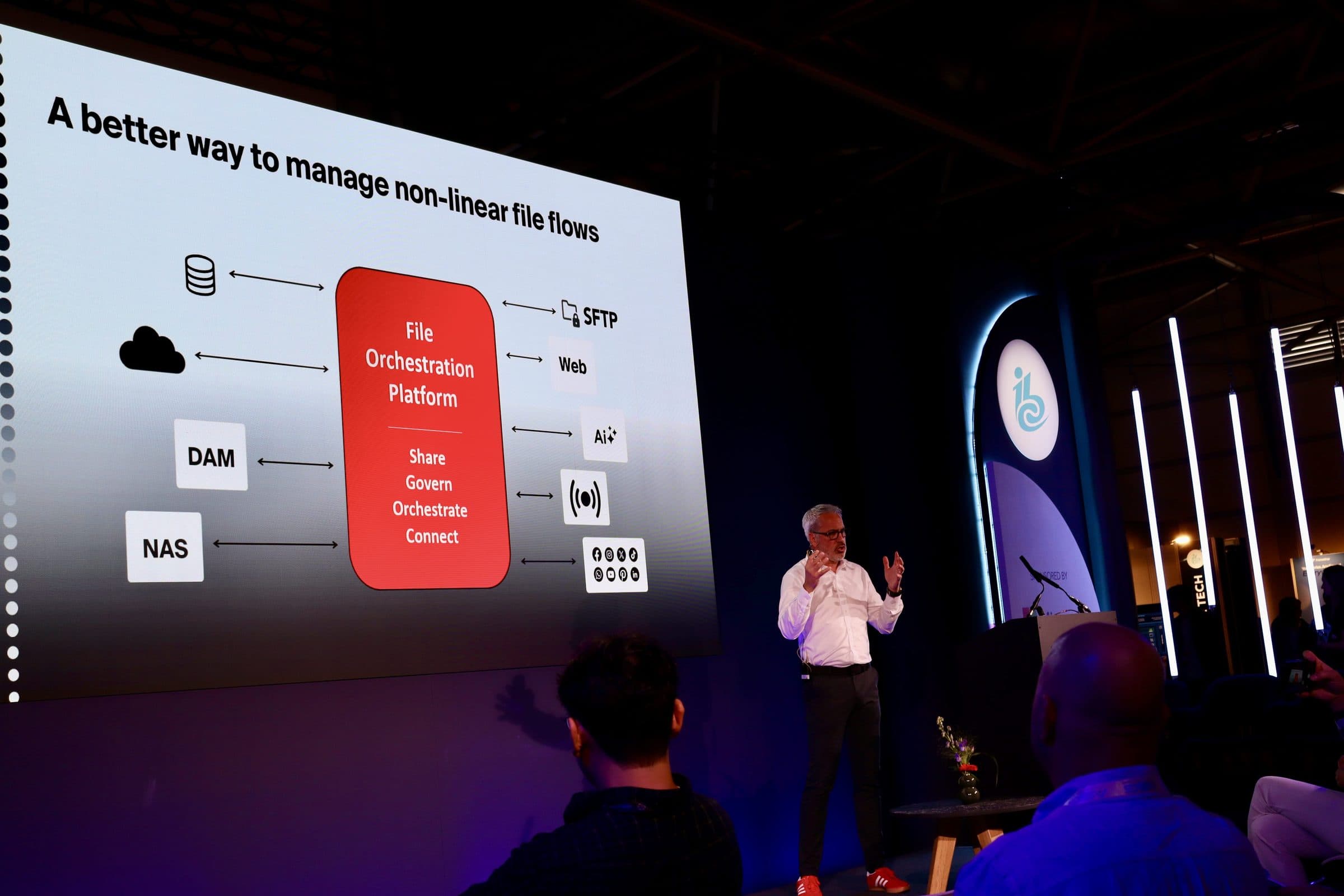
A workflow-by-workflow parallel run kept frequent carrier exchanges live while Files.com rebuilt transfers, automation, and access for cloud operations.
Read The Story
The team staged the cutover before its seasonal freeze, with Files.com handling API transfers, alerts, and code-free archiving behind the existing partner interface.
Read The Story
Files.com let external partners keep using SFTP while files landed directly in company-controlled S3 under IAM, eliminating the code and AWS resources that once moved them there.
Read The Story
Files.com Remote Servers and automations now move regulated clinical reports from AWS to payer-owned endpoints while operations staff handle routine delivery.
Read The Story
“Files.com's strengths are simplicity, ease of use, and the cloud connectors. We don't have to invent custom infrastructure for every partner.”

“Files.com is versatile — it can manage many different situations from a single platform. We've consolidated multiple tools onto it.”

“Files.com is robust and scales to a large enterprise. We get multiple files per minute, per second — and we're a 24/7 organization, so everything has to always be up.”

How Files.com connects to S3, what it costs, and where your files do and don’t go.
Yes. Files.com connects to any S3 bucket you hold credentials for, whether it's your own, a partner's, a vendor's, or a customer's, and can pull files from it or push files to it. The bucket does not have to live in your AWS account.
No. Files.com connects to an S3 bucket with credentials alone, so you can run on Google Cloud, Azure, or your own servers and still exchange files with a partner or vendor who standardized on S3. No AWS footprint of your own is required.
Files.com stores nothing outside your bucket unless you ask it to. Connect the bucket as a Remote Server Mount and Files.com passes every operation through to S3 in real time. Nothing is copied onto Files.com. You can also have Files.com hold a copy, as a backup, a faster-access tier, or because you want Files.com to be the primary store. To do that, use a Sync and choose the destination. Files.com has its own high-performance storage. Whether the data lives in S3, on Files.com, or both is your call, not a default.
Yes. Files.com supports AWS STS with IAM role assumption. The role uses temporary credentials that Files.com auto-renews. For most production environments, STS role assumption is the recommended path. It reduces credential exposure and follows AWS best practices for cross-account access.
Yes. When a bucket only accepts connections from inside your AWS network, you can run a small Files.com Agent in that network and it reaches the bucket from the inside. Nothing on the bucket has to be opened to the internet.
Yes. Files.com integrates with GovCloud buckets as a connection target, the same way it connects to any other customer cloud. Files.com itself does not host in GovCloud. Files.com is separately FedRAMP Certified at Class A under FedRAMP 20x, with Class B in progress.
Files.com supports the Standard, Standard-IA, One Zone-IA, Intelligent-Tiering, and Glacier Instant Retrieval storage classes. Glacier Flexible Retrieval and Glacier Deep Archive are not supported. Those tiers are designed for long-term archive where retrieval takes hours, and that does not work with the active-file-operation model that Remote Server Mounts and Syncs run on.
No. The S3 integration is included in every Files.com plan. The only AWS-side costs are S3 storage and any data transfer your workload generates.
Files.com Starter is $199 a month with every protocol included. AWS Transfer Family is $216 a month for SFTP alone, and each other protocol costs extra. Files.com comes ready to use on day one, with SFTP, partner setup, the activity log, automation, and a real screen people can use. Transfer Family gives you the connection part. The rest you build yourself out of AWS Lambda, Step Functions, and EventBridge.
Yes. Files.com works with IAM policies scoped to the specific bucket and object prefix your integration needs. Both full-access and read-only policies work, so you can grant least-privilege access to exactly the path the workflow touches.
Yes. A Files.com Automation can use a mounted S3 bucket as the place it pulls files from, the place it sends them, or both. Files.com treats a mounted bucket exactly like its own storage.
Files.com mounts the bucket where it is; the data stays in S3 and every protocol, automation, and permission works against it in place. When the job is a one-time move of the contents of the bucket to Azure Blob, Google Cloud Storage, Wasabi, or Backblaze B2, that is what Mover, the one-time migration tool from Files.com, is for: a free dry run counts the objects and prices the move, including the S3 egress, before anything leaves the bucket.
Connect your bucket, run a test transfer, and prove the integration works on your workload.
No credit card required • 7-day free trial • Live in minutes