AWS re:Invent 2026

November 30 – December 4, 2026

When
November 30 – December 4, 2026
Where
Las Vegas, NV
Official site
reinvent.awsevents.comExternal LinkThis link leads to an external website and will open in a new tab
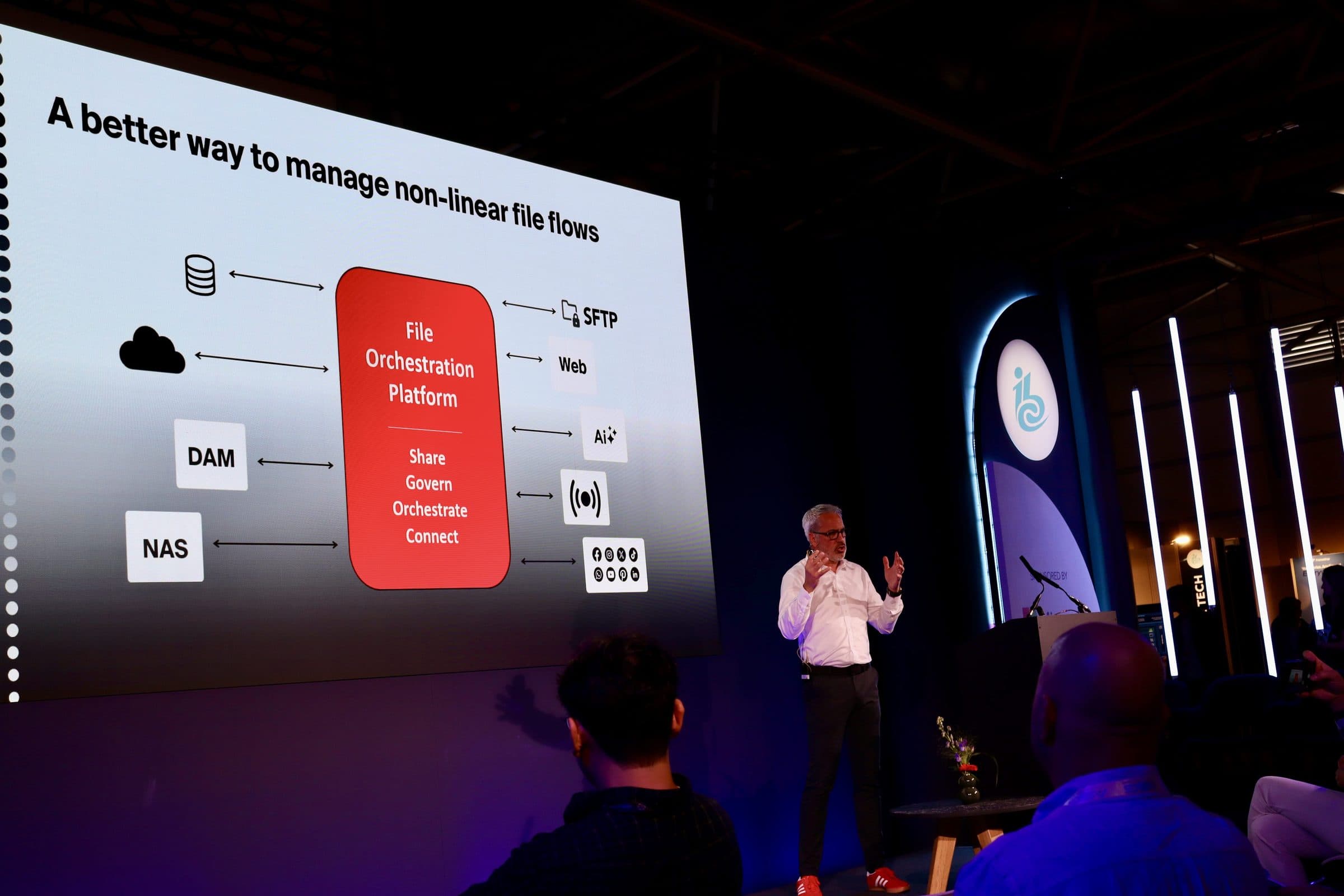
Files.com CTO Wade Callison presenting the File Orchestration Platform — connecting SFTP, web, AI, DAM, NAS, and cloud sources

S3 Is Great Storage. It Is Not A File Transfer Product. Files.com Is.

re:Invent is a builder conference. Every booth, chalk talk, and keynote makes the same point: AWS sells the parts, and you put them together. Usually that works out fine. For managed file transfer it usually doesn’t. Transfer Family plus Lambda plus Step Functions plus a home-built audit screen on CloudWatch costs more, breaks more, and eats more engineering time than anyone expects — and the partner-onboarding team still doesn’t get a real product out of it.

Files.com is on the floor because we’re the put-together version: managed file transfer on top of S3, with SFTP, AS2, FTPS, WebDAV, share links, inboxes, automations, partner onboarding, permissions, and audit already wired in. The native Amazon S3 integration connects your bucket as a Files.com folder or runs scheduled syncs in either direction — the data never leaves your bucket.

Here’s the bigger point: Files.com runs on top of your storage. The data stays in S3, and Files.com adds the parts S3 doesn’t have — sign-in through SSO instead of handing out bucket credentials, role-based permissions, audit, the protocols, automation, and the workflows real people use. With the remote-server mount, access that would otherwise need an IAM credential goes through a permission layer instead. If your team has been told to build the file transfer layer yourselves, we’re the buy option, already built.

See The S3 Integration

What AWS Teams Evaluate Us On

The real choice: build the file transfer layer yourself out of AWS parts, or buy the finished version that connects the same bucket.

Amazon S3 logo

Mount Your Own S3 Bucket

Connect your bucket as a Files.com folder through the Amazon S3 integration and the data stays in your AWS account — no copying, no second copy to keep in sync. Or run scheduled syncs in either direction when a workload does need the data in two places.

Keep Talking To It Like S3

Files.com speaks S3 in both directions. Besides connecting your bucket, the S3-compatible API lets your existing AWS SDK code and S3 tools read and write Files.com as if it were a bucket — so the apps already pointed at S3 keep working.

Run SFTP At Scale, Not Per Endpoint

Serve SFTP, FTPS, and WebDAV from one site — the same protocols AWS Transfer Family charges for per endpoint, with extra charges per protocol on top. One Files.com site carries every protocol your partners use, with no hourly charge per endpoint.

Replace The Lambda And Step Functions Glue

Files.com automations handle the scheduled syncs, transforms, GPG encryption, and partner onboarding you’d otherwise build out of Lambda, Step Functions, and EventBridge. It comes as a finished product, not a kit you wire together yourself.

Amazon SNS logo

Publish Every Event To Amazon SNS

Every upload, download, share, delete, rename, and permission change publishes to Amazon SNS. Take the full stream or subscribe to just the events you care about, and your SIEM, Lambda automations, and EventBridge rules all read off the same topic. The audit trail your security team wants, on the AWS messaging your team already runs.

Buy It Through AWS Marketplace

Files.com is on AWS Marketplace as an annual contract, so the purchase runs against your committed AWS spend instead of starting a brand-new vendor relationship. One product, one bill, nothing to assemble.

The Transfer Family Math, For Real

AWS Transfer Family charges about $0.30 an hour for each SFTP endpoint — roughly $216 a month before you move a single file — plus $0.04 per gigabyte on top of S3 storage and egress, plus the VPC endpoint hours, plus extra charges for FTPS and AS2, plus the Lambda and Step Functions runs to orchestrate it, plus the engineering time to build an audit screen on CloudWatch.

Our price is based on how many users you have and what the work actually does, not on endpoints and gigabytes — so the two don’t line up one to one. We beat Transfer Family at the low end and the high end. In the middle it depends on your workload, which is why the right move is to run your own numbers, not trust a marketing chart. The Transfer Family comparison runs that math against the real public AWS prices.

Compare To AWS Transfer Family
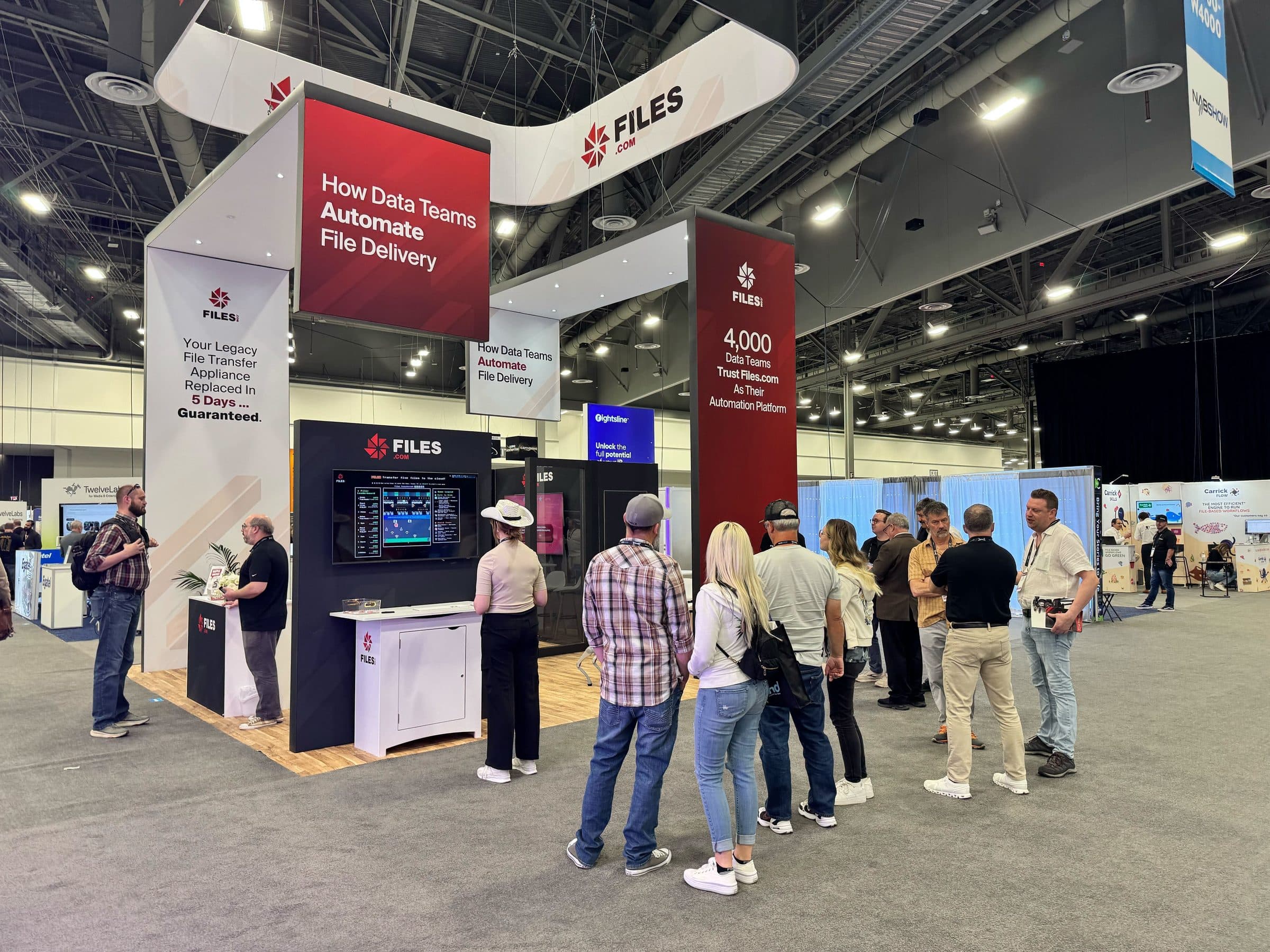
The Files.com booth on a major-event expo floor

Come Find Us In The Expo

If someone on your team has said “we could just build this on Transfer Family and Lambda” — bring the rough numbers and we’ll run the comparison with you. Or start a free trial, connect your S3 bucket, and see the finished version for yourself.

No credit card required • Free for 7 days • Live in minutes